
Release Notes – NetView 3.3
Record360 Integration v2
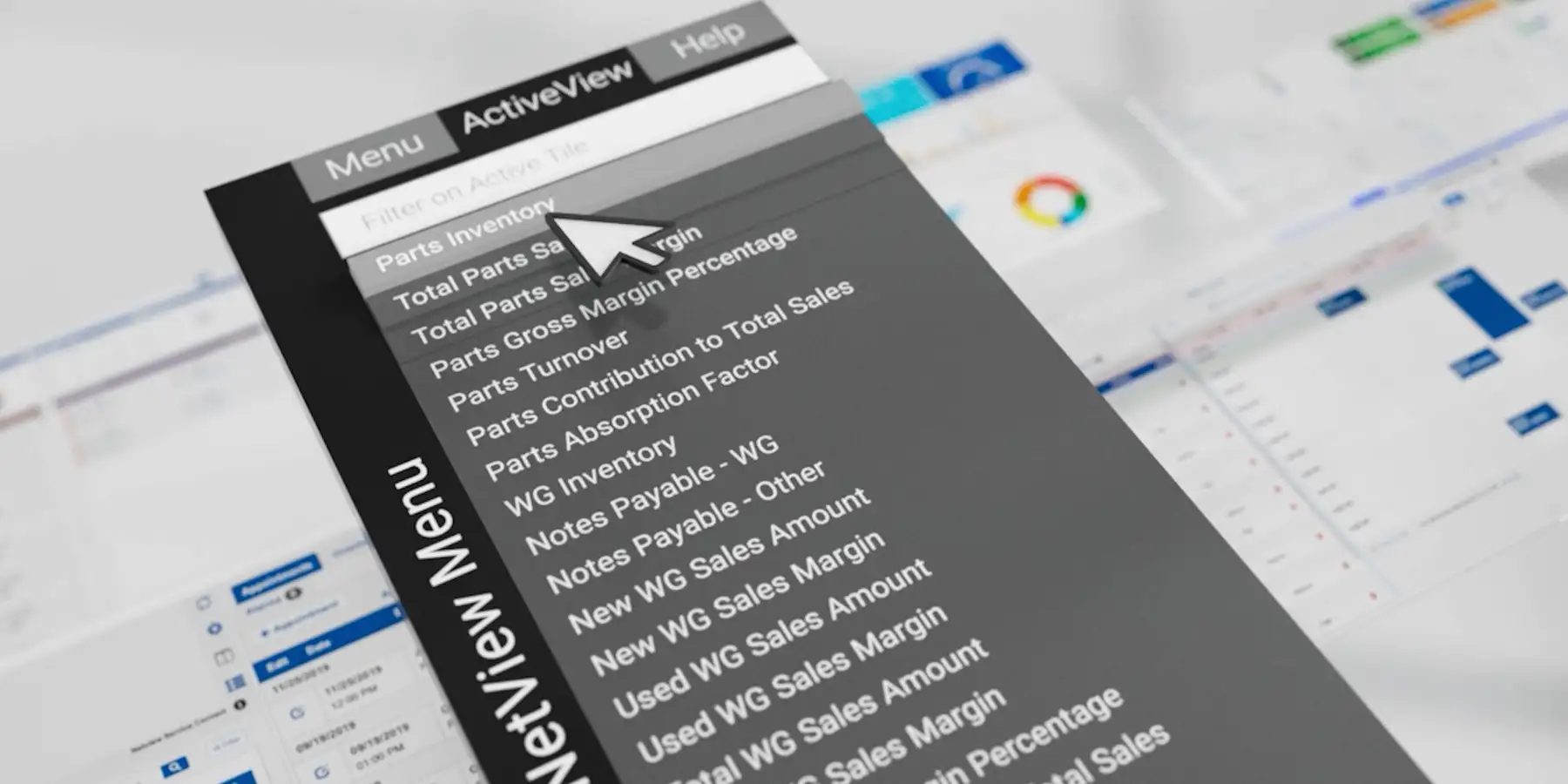
This new work extends the integration between our system and our inspection partner Record360’s InspectPro platform. These updates:
- Provide users historical Inspection report data from InspectPro via PDFs that can be attached to Repair Orders in NetView
- Allow a Service writer to initiate an InspectPro inspection task from NetView’s Service Connect Module
- Introduce the ability for a user to enter the InspectPro platform in the context of a specific Inspection record from NetView
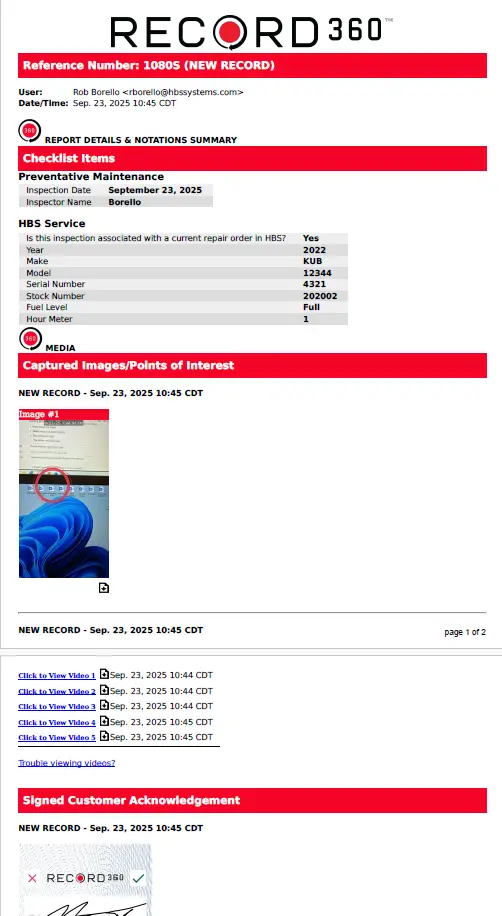
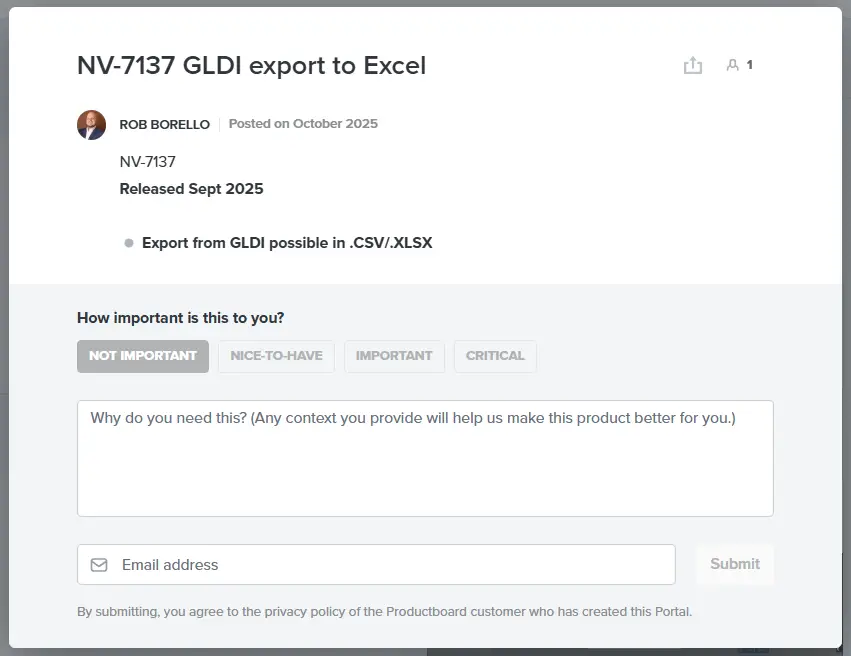
ProductBoard Portal available via the NetView Desktop
A customer-centric view of our internal roadmapping tool is now available to all NetView users. By clicking on the new “Product Board” text at the bottom of the desktop ribbon, you will be transported to a card-based tool that will list major recent and future releases of NetView and highlight impactful development items.

On individual cards you will be able to provide feedback on proposed updates directly to our leadership team.
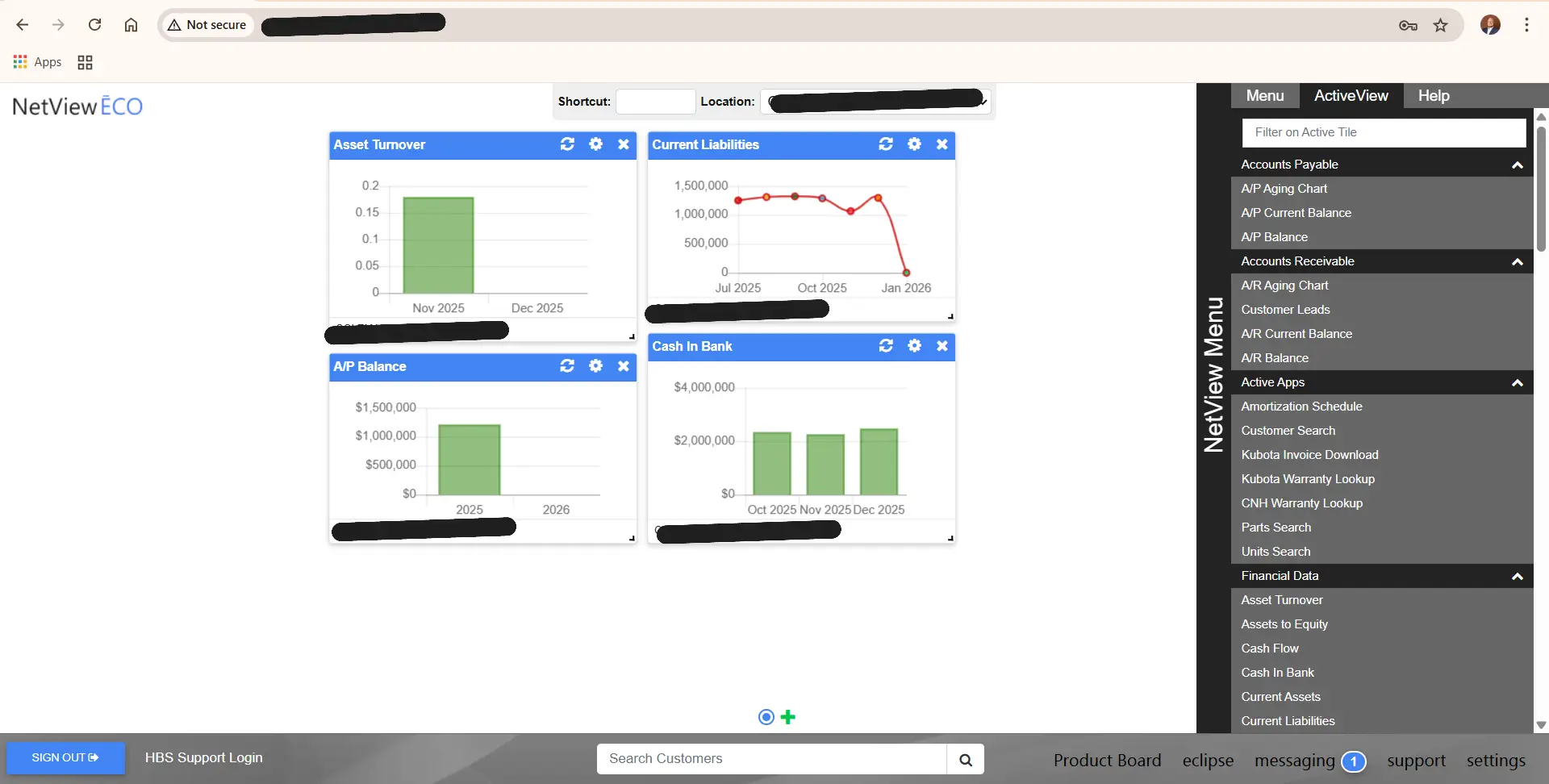
Desktop Widget Date Range default adjusted
Sets the start date for ActiveTile NetView widgets and informational graphs with a chronological display to the current date.
Updates to the behavior and layouts within Time Slip Entry (TSE), Technician Time Entry (TTE), and Technician Maintenance (TM) programs
Adds several customer-requested changes to behavior within these related programs.
- NetView now deals more gracefully with RO tickets that stay open across multiple business days
- Allows for the lookup of service employees other than system designated technicians in TM
- Addresses an issue with printing some reports from the TTE program
- Adds a text-search to TTE technician list, vs forcing user to scroll a dropdown list to locate a tech’s name
- Expands the visible detail area in TSE screen
General NetView Enhancements
- NV-7207- Adds the AP Vendor Entry Date to Vendor Information Maintenance (VIM)
- NV-7485- OCM delete message changed to “Are you sure you want to delete this Other Charge Record?
- NV-5952- ROM invoices now have a subtotal value for Parts
- NV-7184- Add ability to delete opcodes
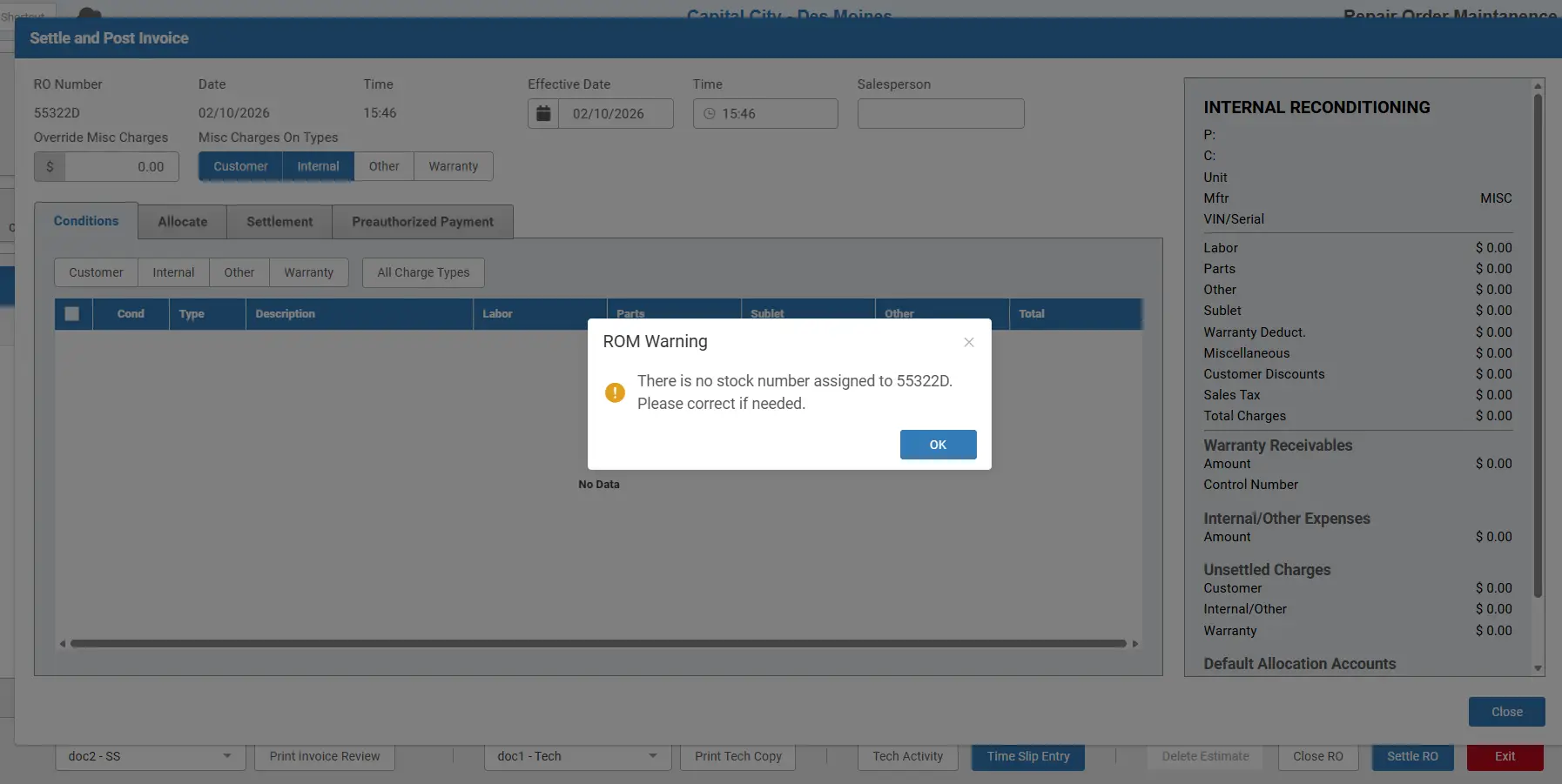
- NV-7180- Prompt user for confirmation on Internal ROs with no stock number
Updates
- NV-8096- Addresses issue with Core Costs for Cost Avg Dealers
- NV-8092- Fixes issue with deleting images from ROs in ROM
- NV-8012- Fixes issue with Standard Repairs display of part allocations when there is a Back Order
- NV-7988- Transferring parts from estimate to RO not allocating qty values
- NV-1149- ROM Estimates don’t transfer labor to TSE/TTE
- NV-7811- Cloudflare timeout possible when using Account Number Maintenance (ANM) to do allocations at large orgs
- NV-7665- ROM not pulling in PIN values from UI (Unit Inquiry) when present
- NV-5807- Possible to get incorrect Vendor name when using On-Demand Checks (ODC) to create checks
- NV-7915- Quick Unit Search not respecting WGDF settings and displaying $ for Base Net
- NV-7430- POS tickets when printed returned to single-spaced layout vs double
- NV-7500- Issue with Method of Payment (MOP) changing during invoicing via ROM
- NV-7887/NV-7738- .spr printers showing in programs when unneeded
- NV-7241- User order of operations in ROM can affect whether customers see open ROs when completing ROM header field
- NV-7138- Repair order History (ROH) email option enablement adjusted to reflect Email Management (EM) settings
- NV-7789- Cell# from ECI doesn’t save into RO Header in ROM
- NV-7172- STXR (Sales Tax Report) adjusted for display of multi-tiered tax codes
We look forward to your partnership in the coming year and visit this space for regular updates in the future!
HBS Systems is very easy to use and easy to get around in. The custom financials make it easy to look at all 13 locations on one consolidated screen, and if needed, I can look at each location for further analysis.
{
The advancements I’ve seen in just the 1st year at HBS Systems are more than our previous provider did in a 30-year period. Customer support has been really responsive and helpful. I couldn’t be more pleased with my choice to switch to HBS Systems.
{
I’d recommend HBS Systems to any equipment dealer; it’s a great system that saves time, decreases errors, and allows our team to improve upon customer service by providing real-time information within the software.
{
HBS Systems worked with me to get everything set up in a way that works best for us with new hardware. They even sourced and ordered parts that are unusual for us. Any dealer looking for a DMS should call HBS Systems.
{
We were impressed with HBS Systems when we made a request specific to our dealership. Their team expedited the programming process to upload a short-notice store addition into the business system. I’d recommend to any dealership to take a look at HBS Systems.
{

HBS Systems delivers dealership management solutions built for agricultural, construction, rental, and specialty-equipment dealerships. For more than 40 years, the company has helped top-performing dealership groups across North America unify operations and improve profitability through NetView ÉCO, a secure, scalable, web-based platform that connects every department and every location.
As the largest privately owned DMS provider, HBS Systems combines enterprise-grade technology with personal, partner-first support. Dealerships gain real-time visibility, seamless OEM integrations, continuous innovation, and dedicated onboarding and training designed to strengthen performance across the entire organization. With SOC -2 Type II certification, 24/7 protection, and access to dedicated virtual data centers, HBS Systems gives dealers the confidence to grow without compromise.
To learn more about HBS Systems and its dealership management solutions, visit hbssystems.com.